By clicking “Accept”, you agree to the storing of cookies on your device to enhance site navigation, analyze site usage, and assist in our marketing efforts. View our Privacy Policy for more information.
From Independent Firefighting to Collective Resilience: Get Started with Risk Ledger in 3 steps
In just three steps, you can go from reactively firefighting supply chain threats to proactively building ecosystem-wide resilience with Risk Ledger's Active Supply Chain Security platform.
Risk Ledger
|
Company
April 30, 2026
|
8
mins read
Share
In today’s interconnected economy, supply chains are only as strong as their weakest link.
With today’s vast, complex and active supplier networks, you can build the strongest perimeter defences and contract with the most security-focused suppliers, but still suffer from nth party vulnerabilities, concentration risks and cascading supply chain breaches.
This is why organisations are shifting toward network-first supply chain security models.
As modern supply chain security is a collective defence problem, Risk Ledger has designed an Active Supply Chain Security-focused platform that helps you and your suppliers to defend-as-one.
Here’s how you can get started in three easy steps. These steps reflect how organisations operationalise the shift from fragmented TPRM toward a more connected and continuous supply chain security model.
1. Set up your account
Create a client account. Add in company details, input access settings and set up MFA in just five minutes. Learn more here.
Add internal users. Add the job titles that will use the Risk Ledger platform (i.e. Cyber Security Analyst and Information Security Manager) and assign roles (i.e. editing security assessments and approving security profiles). Learn more here.
Set up your supplier tags. Tag your suppliers based on three categories: Criticality, Confidentiality, PII (Personally Identifiable Information). These tags will determine the risk requirements for a specific supplier and drive the policies that align with their assessment. Learn more here.
Set up custom properties. Define the supplier context that matters to you and your team (i.e. contract renewal dates or contract value for a particular supplier). This helps you access the right data when reviewing your entire supplier base. Learn more here.
Create supplier labels. Apply custom labels to your suppliers to improve filtering, reporting and your policy setup on different groups of suppliers. Learn more here.
Create and edit policies. Create policies that contain the security controls you require different suppliers to have implemented (i.e. ‘Critical’ suppliers might need different compliance controls to suppliers that hold PII). Learn more here.
2. Connect with suppliers
Invite suppliers to Risk Ledger. If new or existing suppliers are not on Risk Ledger (most organisations find 20% of their suppliers are already on the platform - rising to 80% in some supply chains), simply ‘Create Supplier’ on the platform, add in basic company details and send an email invite for them to join. Learn more here.
Connect with existing suppliers on Risk Ledger. If a supplier you wish to review already has an active profile on Risk Ledger, simply send them a connection request. Learn more here.
Apply policies to your suppliers. Assign supplier tags to automatically calculate a compliance score (this measures how many of the security controls listed in a supplier profile correspond with your policy requirements). Learn more here.
Raise remediation issues directly. If a supplier does not have the required security controls in place, send a remediation request to review the requirements and make any required updates by a certain date. Learn more here.
Approve assessments. Once you have reviewed a supplier on Risk Ledger, either approve (or reject) the assessment or send an approval request to a colleague via email with your recommendation based on the review. Learn more here.
3. Coordinate supply chain risk response
View all supply chain risks in one place. View supply chain risks for all of your connected suppliers within the Risks dashboard. Learn more here.
Manage supply chain risks. Assign users and risk owners to emerging threats, and add updates and action plans to the Risk. All Risks have their own activity log, which shows all the changes that have occurred (for simplified compliance). Learn more here.
Communicate with your suppliers. Start a discussion regarding the Emerging Threats with your supplier. This discussion will keep all conversations and updates in one place, and maintain a log. Learn more here.
Close the Risk. Once the appropriate action has been taken to resolve the threat (i.e. the supplier remediates the problem), close the Risk. The open and closed status of each Risk will help you report progress that has been made to reduce supply chain risk. Learn more here.
Defend-as-one with Risk Ledger’s ASCS platform
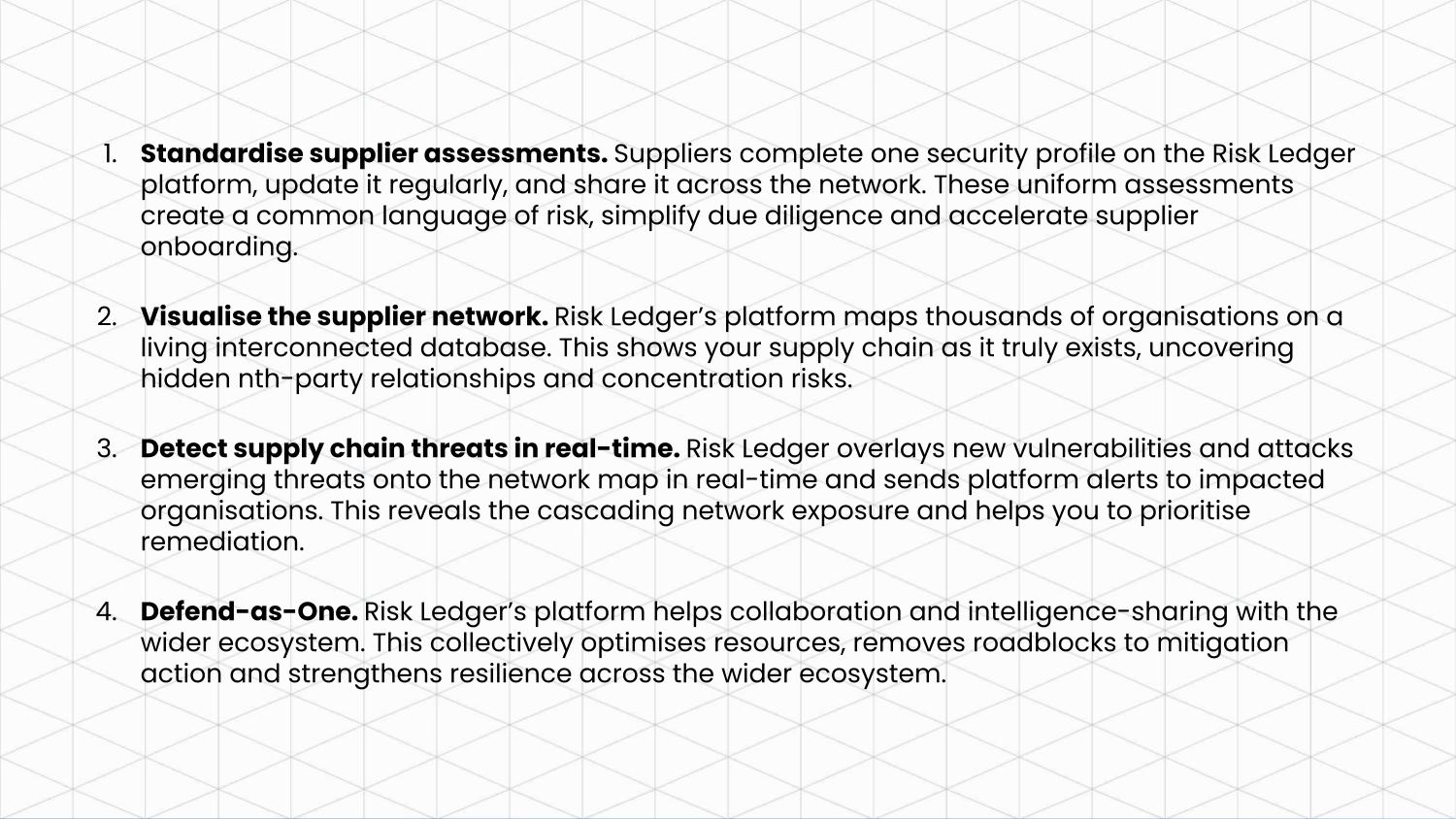
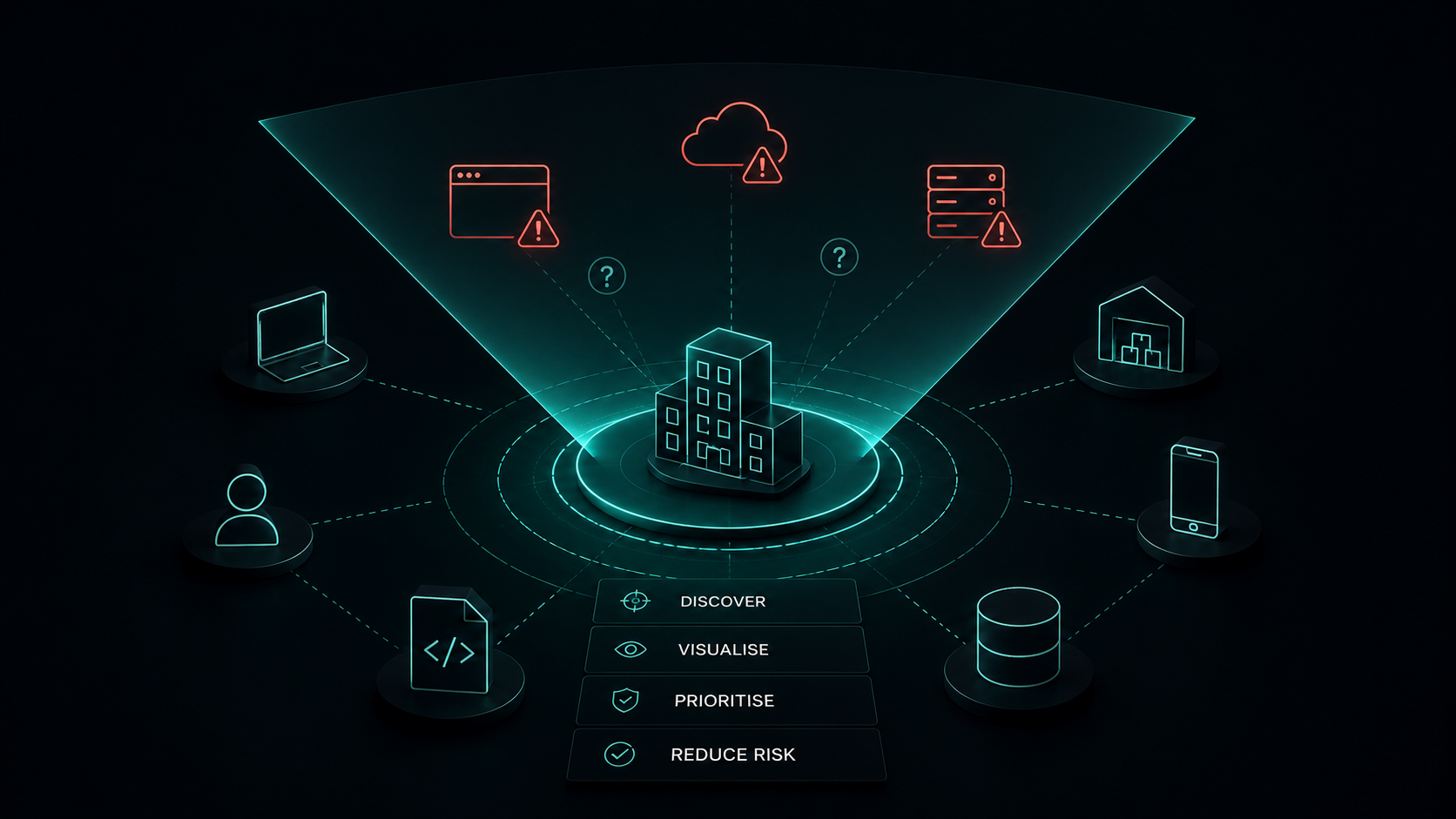
By standardising supplier data, mapping thousands of organisations onto a living network, and overlaying proactive threat intelligence, Risk Ledger’s four-stage Active Supply Chain Security approach helps organisations strengthen resilience and progressively move towards defending as one.
After getting set up on the platform, you will be able to:
.png)






.svg)